Security
Commercial Security Camera Systems: A Buyer's Guide
Key Takeaways
- Set your goal first: theft prevention, staff accountability, and inventory tracking each need a different camera layout.
- Full HD is the floor; 4K earns its cost at entrances and registers where a face has to hold up as evidence.
- Wired systems are steadier and harder to jam; wireless installs faster but depends on your network staying up.
- PTZ cameras cover wide areas with one lens; fixed cameras cost less and are easier to track during a review.
- Cloud, local, and hybrid storage trade cost, access, and control differently; retention length should match what your industry needs on hand.
- A system that goes unmaintained loses value fast: a dusty lens or a loose cable turns a good camera into a blind spot.
A commercial security camera system only pays off if it’s built for what you’re actually trying to catch. A retail store watching for shoplifting needs a different layout than a warehouse tracking pallets, and both look different from an office managing who badges into the server room. Here’s what actually changes the decision: camera type, storage, placement by business type, and the maintenance that keeps a system worth the invoice.
What to Decide Before You Buy
Start with the goal, not the gear. Theft prevention, staff accountability, and inventory tracking point to different camera counts and different placements, and a system built for one doesn’t automatically cover the others.
Wired and wireless each carry a real tradeoff. Wired cameras are steadier, harder to jam, and don’t lean on your Wi-Fi, but they cost more to run cable to. Wireless installs faster and goes places cable can’t easily reach, but the footage is only as reliable as your network’s uptime.
Resolution is the detail people skip and then regret. Full HD is the minimum for anything you might need to review later. Grainy footage doesn’t identify anyone. At entrances, registers, and anywhere a face or a signature might matter later, 4K is worth the extra cost.
Choosing the Right Camera Type for the Job
Motion-detection cameras cut down on storage use and false alarms by recording only when something actually moves through the frame, instead of running continuous footage of an empty hallway.
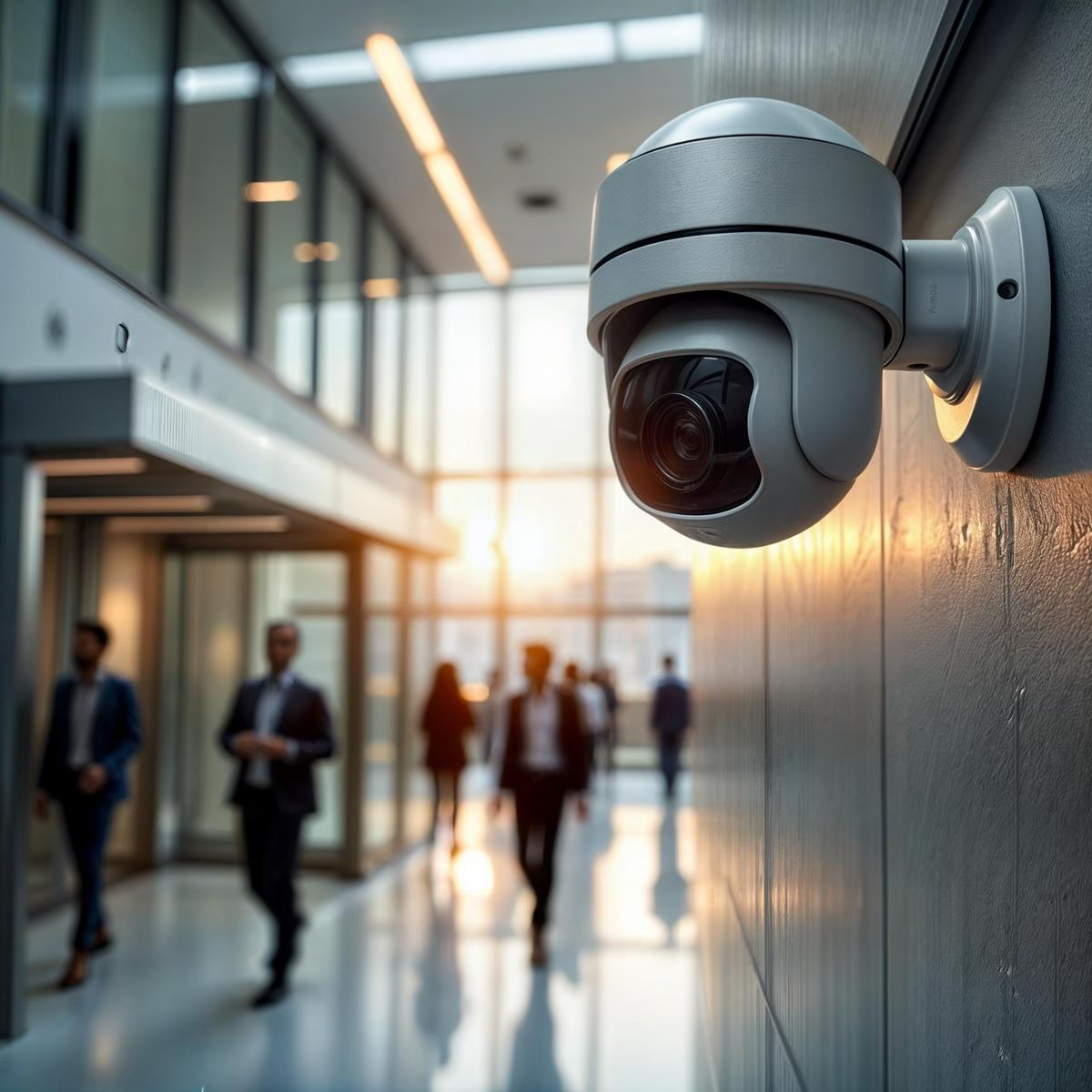
PTZ (pan-tilt-zoom) cameras cover a wide area with one lens an operator can drive, useful for a yard, a parking lot, or a warehouse floor. A fixed camera costs less and never needs someone at the controls, which makes it the better choice for a door, a register, or anything with one job.
Placement changes by setting. Mounting height, angle, and blind-spot rules are largely the same across a retail floor, a warehouse aisle, or a parking lot; what changes is which spots carry the most risk. Retail needs the front door, the register, and the aisles covered. Warehouses need long sightlines down aisles plus loading docks and staging areas. Parking lots need coverage that reduces both theft and liability if something happens in the lot.
Cloud, Local, and Hybrid Storage: What Actually Changes
Cloud storage gives remote access from any device and offloads the hardware, but it needs a stable connection and usually comes with a monthly fee that scales with camera count and retention length. Local storage keeps footage on-site with no recurring fee, but the hardware caps how much you can store and how long. Hybrid combines both: local for immediate access, cloud for backup and remote viewing.
Storage math matters more than most buyers expect. A single 4K camera recording continuously can use roughly 1 to 2 terabytes a month; multiply that by camera count and by how many days of retention your industry needs, often 30 days as a baseline and longer for regulated environments, before picking a storage tier. Undersizing storage is the most common reason a system runs out of usable footage right when someone needs it.
Maintenance and ROI: What Keeps a System Paying Off
A camera system degrades quietly. Dust on a lens blurs the image before anyone notices. A loose connection can drop a feed entirely. Cleaning lenses, checking cables, and updating firmware on a schedule catches these before they become a gap in coverage during the one week it mattered.
Most problems have simple fixes: tighten a connection, reset the unit, adjust the angle. The return on a system comes from footage that actually holds up, clear enough to settle a liability claim or identify a face, not from the camera count on the invoice.
How We Approach Commercial Camera Installs
We start with a site walkthrough, not a spec sheet, and mark every camera on a plan you approve before anyone drills. For Family Resource Agency, that meant coverage across multiple Tennessee campuses with months of footage retention and battery backup that rides out a four-hour power cut; every campus came in on schedule and on budget. Cameras tie into door access control and run on the same network we build, so it’s one drawing set and one number to call, not three vendors pointing at each other when something breaks.
Choosing the right commercial security camera system comes down to matching the goal, the camera type, and the storage plan to what you’re actually protecting. Get those three right, and the maintenance schedule is what keeps it paying off for years instead of months.
If you’re planning a system for a business, warehouse, or multi-site property, book a free consultation and we’ll walk the site with you before pricing anything.