Church & Worship AV
Church Video Production 101: Creating Engaging Online Services
Key Takeaways
- Fix audio and your internet connection before buying a better camera; sound quality drives retention more than resolution does.
- A dedicated broadcast mix, separate from the sanctuary’s room mix, is what makes an online service sound intentional instead of muffled.
- Run a hardwired Ethernet connection to the stream computer; WiFi is the most common cause of buffering.
- A passive video feed loses viewers fast; a chat host and scripture links turn watching into participating.
- Editing the sermon into shorter clips after the service extends its reach well past Sunday.
Why Your Online Service Feels Empty
A church has a message worth sharing, and the analytics tell a harder story: viewers watch three minutes, then leave. The camera works. The streaming license is paid for. The online experience still feels cold. Usually the preaching isn’t the problem. The stream is set up to record the room, not to reach the person watching on a laptop at home.
The Real Culprit: Bad Audio and Passive Viewing
Video quality gets blamed first, but that’s rarely the actual problem. Viewers tolerate grainy video for an hour. Buzzing, muddy audio loses them in ten seconds. Feed the sanctuary’s room mix straight into the stream, and the online congregation can’t hear the pastor clearly or feel the worship band’s energy. Treat the stream like a television broadcast where the audience just watches, and it competes with Netflix on Netflix’s terms. The church loses that comparison every time.
Fix Your Audio and Internet First
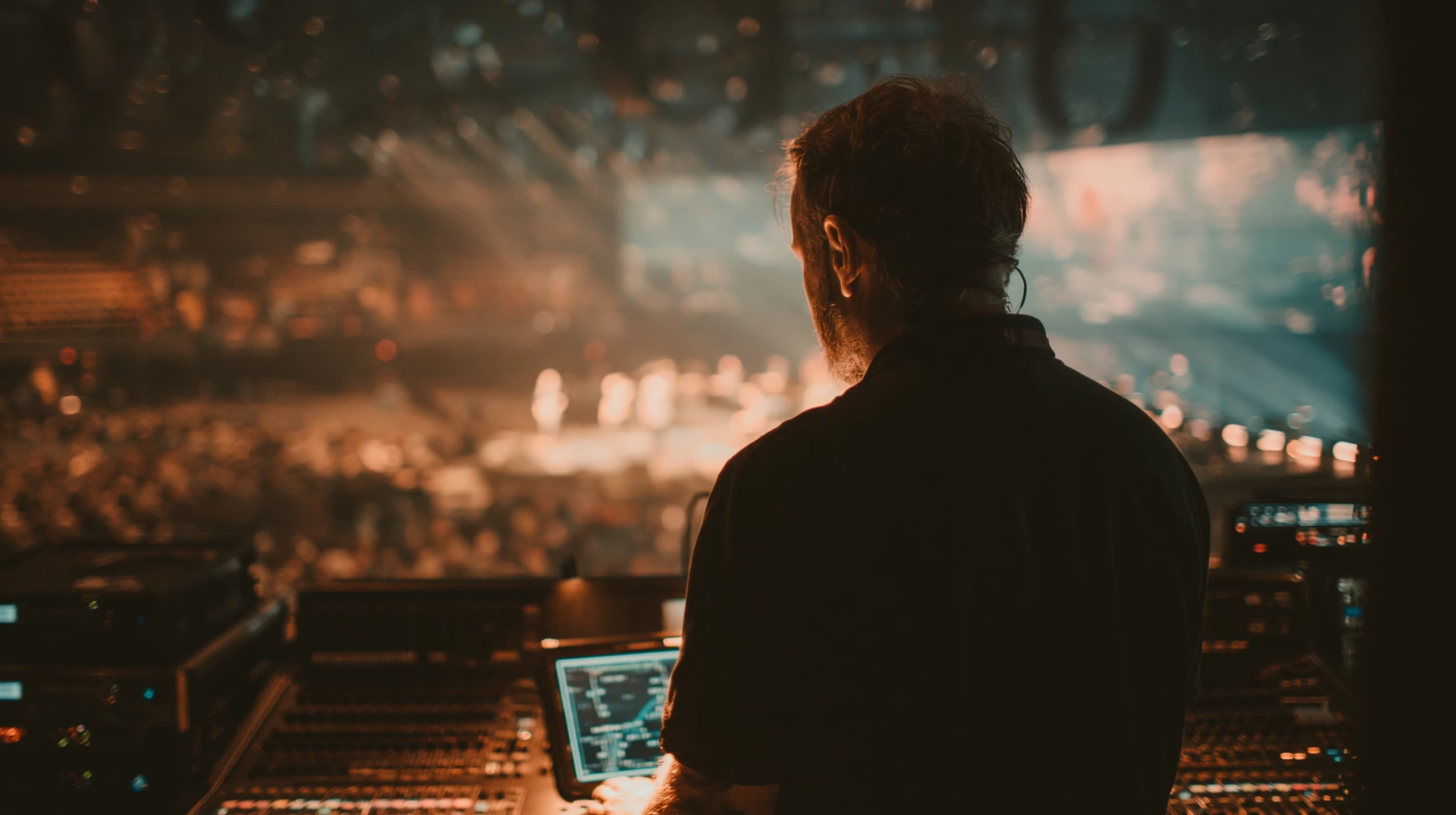
Before a $4,000 camera gets ordered, fix the sound. A dedicated broadcast mix, separate from what the room hears, keeps the pastor’s mic crisp and balances the worship band for laptop speakers instead of a sanctuary’s PA. The connection matters just as much: run a hardwired Ethernet cable to the streaming computer. WiFi for a live service is how buffering and dropped frames destroy trust with an online audience before the sermon even starts.
Engage the Viewer, Don’t Just Broadcast
Technology serves the ministry, not the other way around. A dedicated chat host welcomes viewers, shares scripture references, and takes prayer requests in real time, turning a passive viewer into a participant. Keep camera shots steady on a tripod, and light the speaker so they separate from the background instead of blending into it. When volunteers see their camera work as part of helping someone connect with God, not just running equipment, they bring more care to the job.
Building for the Future
A live stream happens once. The content behind it doesn’t have to. Editing the sermon down, cleaning up the audio, and building a library of clips gives the message a life beyond Sunday morning, whether that’s a highlight reel for social media or a full message archive. None of this needs a massive budget. It needs a strategy that puts reliability and clarity ahead of flashiness.
Getting the online service right starts with the same two fixes every time: audio and connection. Once those are solid, camera choice is the next decision, and our PTZ vs. fixed camera guide covers which setup fits a volunteer team. For the lighting that makes the picture match the sound quality, see our sanctuary lighting guide. Want a second set of eyes on your setup? Book a free consultation and we’ll audit the gear and the workflow together.