Church & Worship AV
Lighting for Churches: Why Your Sanctuary Looks Dark on Camera
Key Takeaways
- Human eyes handle about 20 stops of light range; most cameras only capture 10-14, which is why a sanctuary that looks warm in person reads as dark and muddy on stream.
- Keep ISO between 800-1600, match white balance to the main light source, and shoot at a 1/60 shutter speed as your starting camera settings.
- Three-point lighting, key, fill, and back light, fixes what camera settings alone cannot.
- Mixing color temperatures (3200K warm with 5600K cool) is what makes skin tones look wrong on camera; pick one and stay consistent.
- A CRI of 90 or higher keeps skin tones looking natural instead of sickly under LED light.
Why Does Your Sanctuary Look Great in Person But Terrible on Camera?
The gap comes down to biology, not bad gear. Human eyes handle roughly 20 stops of light range; most cameras only capture 10 to 14. Eyes adjust easily to the contrast between a bright screen and a dark corner. Cameras don’t. Churches often dim the lights during worship to create a calm, sacred mood, and that mood is exactly what breaks a camera’s sensor. The congregation sees a warm, rich room. The camera sees mud: grain, dark faces, and flat skin tones on the stream.
What Camera Settings Actually Work for Church Services?
If the lights can’t change before Sunday, the camera settings can. Keep ISO between 800 and 1600, match white balance to the main light source, and shoot at a 1/60 shutter speed. Push ISO too high and grain shows up fast. Mixed light sources make skin tones look off, and the wrong shutter speed makes LED lights flicker on camera. The biggest mistake is leaving the camera on auto, which drifts during worship and produces different results week to week. Set PTZ presets for each stage zone and test them before the service starts, not during it.
How Do You Properly Light a Stage for Both Live Worship and Broadcast?
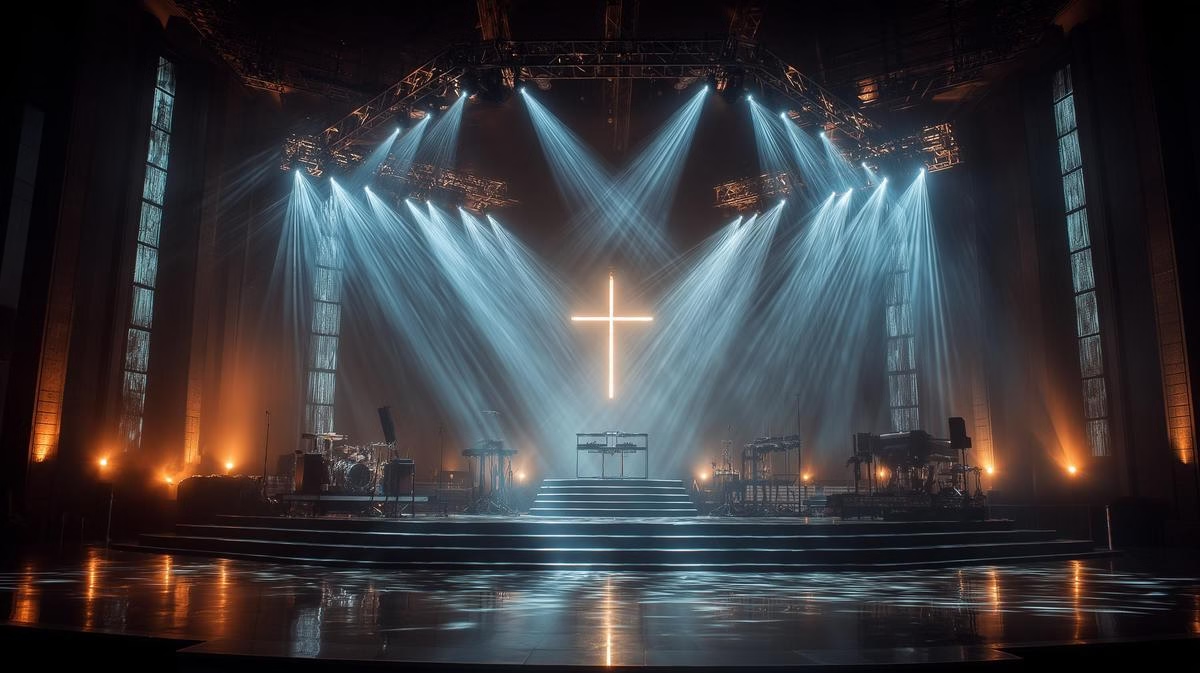
Fixing the problem at the source takes three light sources: key, fill, and back. The key light hits the pastor’s face from one side, the fill softens the shadow on the other side, and the back light separates them from the stage background. Keep every light at the same color temperature. Mix 3200K (warm) with 5600K (cool), and skin tones start to look wrong regardless of camera settings. Look for a CRI (Color Rendering Index) of 90 or higher so skin reads naturally on screen. Warm white lighting, around 3000K to 3500K, tends to work best for worship spaces because it keeps skin looking natural instead of pale.
What Makes High Ceilings and Architectural Features So Challenging?
High ceilings mean light loss. Light fades fast on its way down from a 40-foot mount point, so a fixture up there needs more lumens than the same fixture mounted low. Stained glass looks stunning and causes a mixed-light problem all its own: the color shifts all day, forcing the camera to fight between warm indoor light and cool window light. Historic buildings limit where fixtures can mount in the first place. Plan the lumen output the room actually needs before buying anything, not after.
What’s the Most Practical Path to Better Broadcast Lighting?
A full lighting overhaul isn’t the first step. Two LED panels aimed at the pastor’s face is usually the single biggest visual jump a stream will see. From there, build a lighting setup a volunteer can run without a manual: simple presets, not a full board of manual faders. Phase the rest: stage first, then the choir area, then wide shots. Getting a second opinion before buying fixtures saves a wasted Sunday and a wasted invoice.
Good church lighting is planning, not a bigger budget. Fix the camera settings this week, then work toward three-point lighting and consistent color temperature as budget allows. If dark video is only part of the problem, our guide to fixing an amateur-looking live stream covers audio and camera choice too. Ready for a lighting assessment on your house of worship? Book a free consultation and we’ll walk the room with you.