AV & Technology
What a Corporate AV Provider Actually Does
Key Takeaways
- A corporate AV provider designs, installs, and supports the displays, microphones, and video systems that keep meetings and daily communication running.
- Conference room tools like wireless collaboration systems and hybrid meeting platforms are the most common starting point for most offices.
- Digital whiteboards and shared displays add real-time collaboration on top of a standard video call.
- Enterprise-scale AV needs to be planned for growth from the start; retrofitting a single-office system to cover five locations gets expensive fast.
- Digital signage, video walls, and interactive touchscreens extend AV past the conference room into lobbies and training spaces.
- Ongoing maintenance and a hardware upgrade plan matter as much as the initial install. A system with no support plan degrades faster than it should.
Most facilities teams don’t have the bandwidth to build and maintain AV in-house, and as an office grows, staying connected stops being optional. That’s the gap a corporate AV provider fills: designing, installing, and supporting the displays, microphones, and video systems that make meetings and daily communication actually work.
What a Corporate AV Provider Actually Handles
At its core, the job is making displays, microphones, and video systems work together instead of fighting each other. Done well, it cuts the tech friction out of meetings so a team spends time on the meeting itself, not on getting the projector to recognize a laptop. That covers the equipment, the wiring behind it, the programming that makes a room start with one touch, and the support when something breaks.
Meeting Room and Collaboration Tools
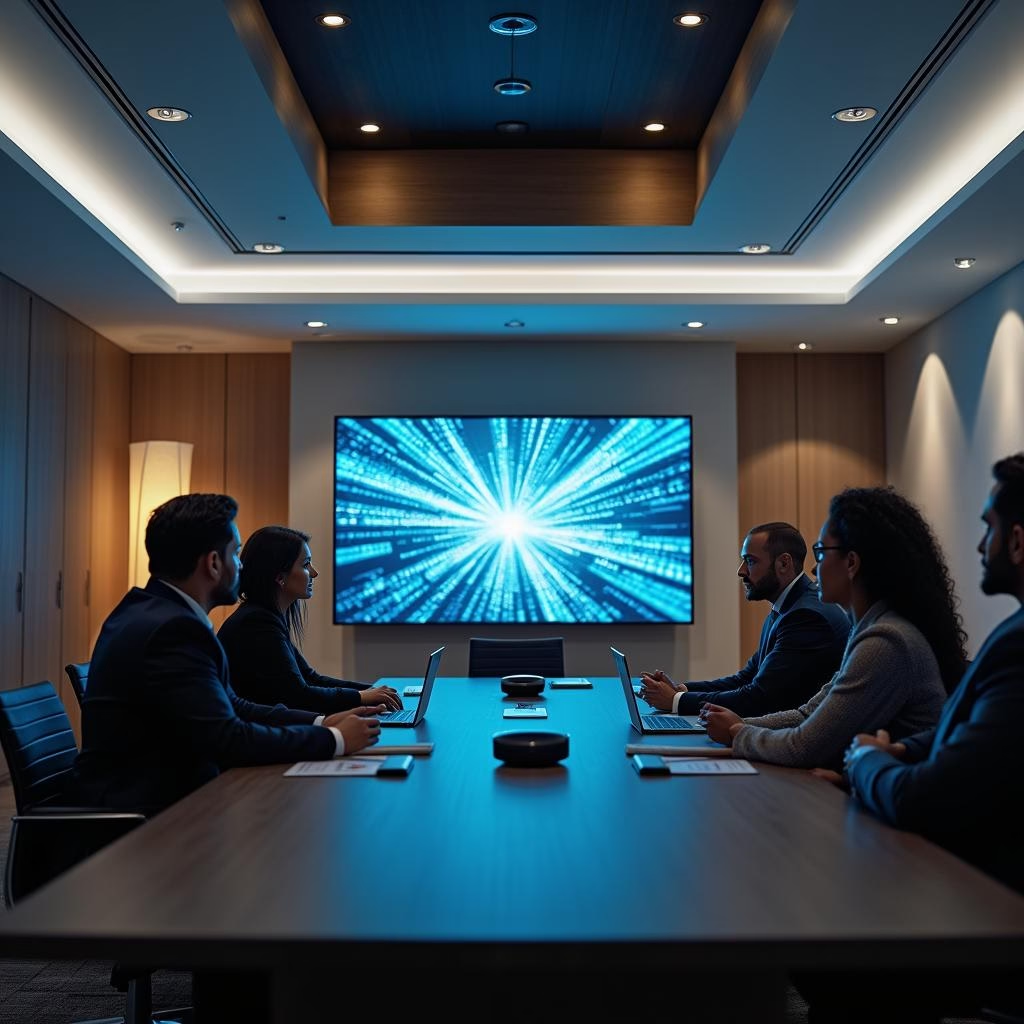
The best meeting rooms run on a handful of tools working together: wireless collaboration systems that cut the cable hunt out of starting a presentation, smart cameras that frame the room instead of holding one fixed angle, and hybrid platforms like Microsoft Teams Rooms that put in-office and remote participants on equal footing. Shared digital whiteboards add another layer, letting a distributed team sketch and edit on the same screen in real time instead of taking turns describing an idea over audio.
Planning for Enterprise Scale
A system built for one office doesn’t automatically work for five. Scalability has to be part of the design from day one: large-format displays for executive presentations, networked audio across floors, and centralized management that lets one person adjust settings across every location instead of driving to each site. Retrofit a system that wasn’t planned this way and it almost always costs more than building it right the first time would have.
Signage, Video Walls, and Interactive Displays
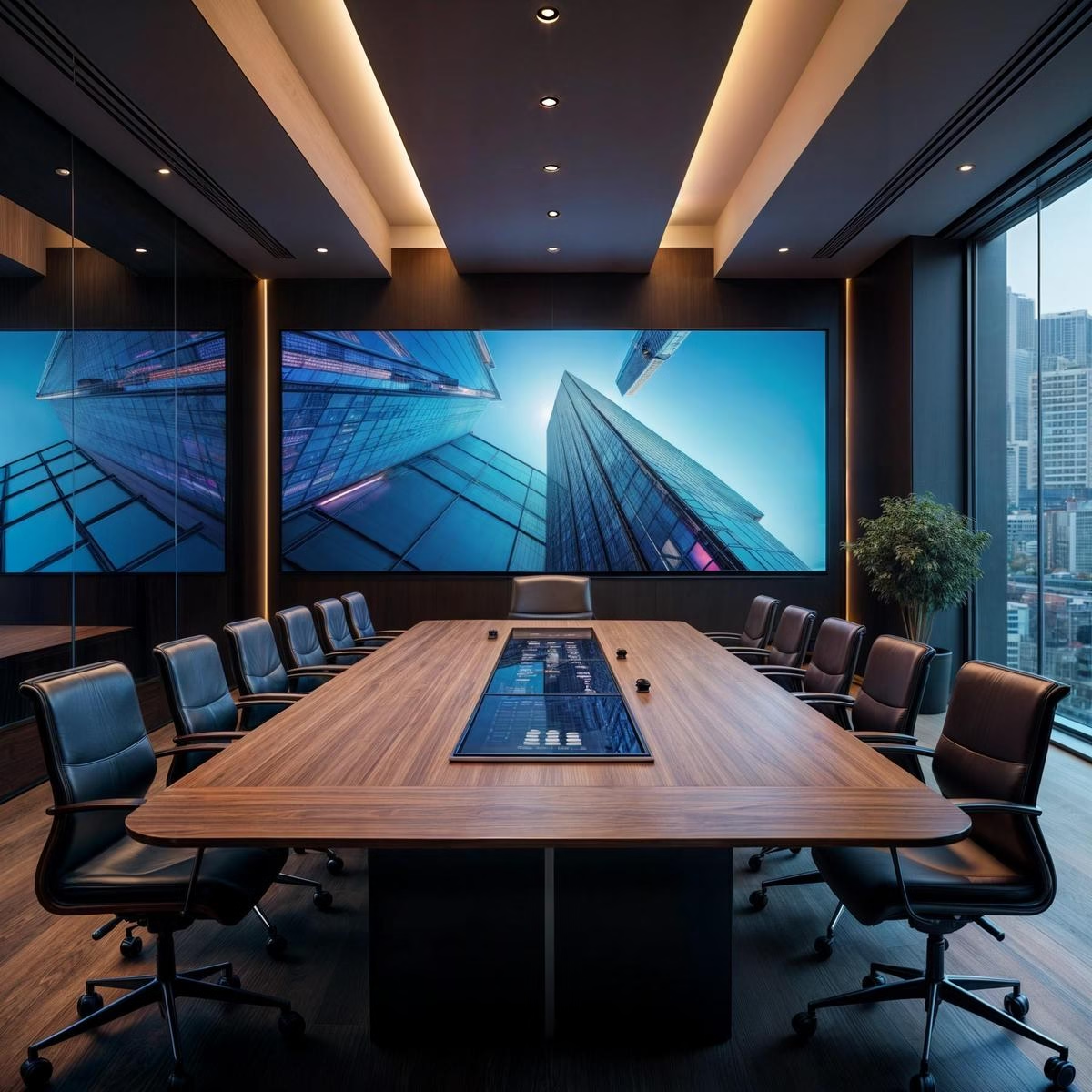
AV extends past the conference room. Digital signage handles lobby communication, wayfinding, and internal updates without printed flyers that go stale the day after they’re posted. Interactive displays support training sessions where people need to work through material together, not just watch it. A video wall in a lobby or training center pulls double duty: a branding statement and a functional screen for presentations at once.
Keeping the System Running
Regular maintenance catches small issues, a loose connection, an outdated firmware version, before they become an outage during a client meeting. Support should include software updates and troubleshooting, not just a warranty that covers hardware failure. Future-proofing means choosing adaptable hardware and modular components now, so an upgrade in three years means adding a piece, not replacing the whole system.
What to Ask When Evaluating a Provider
A few questions separate a good provider from one that’s just selling hardware. Do they design the system around how your team actually works, or hand you a standard package? Is support included, or a separate line item you’ll negotiate later? Can they scale the same system to a second location without starting from scratch? A provider who can’t answer those clearly is one you’ll be replacing in two years.
FAQ
What’s included in a corporate AV install?
Equipment (displays, cameras, microphones, speakers, and control systems), the cabling and programming behind it, staff training, and a support plan for ongoing maintenance.
How is corporate AV different from home AV?
Corporate systems are built for daily, multi-user reliability and often need to integrate with room scheduling, building automation, and multiple meeting platforms, requirements a home system doesn’t have to meet.
We provide corporate office AV and video conferencing design and installation built around how your team actually uses its spaces. If you’re comparing providers or planning a first build, our guide on choosing a commercial AV system covers the buying decisions in more depth, or book a free consultation to start with a walkthrough.