AV & Technology
How to Choose a Commercial AV System for Your Business
Key Takeaways
- Match the system to your space and growth plans first. A small office and a fast-growing company need different scalability built in from day one.
- A custom-designed system costs more upfront but usually costs less over three to five years than gear bought piecemeal and bolted together later.
- Centralized control turns day-to-day management into one interface instead of adjusting displays, mics, and speakers separately.
- Multi-room and networked setups keep audio, video, and content consistent across every space in the building, or across locations.
- Digital signage and interactive displays extend AV past the conference room into lobbies, breakrooms, and customer-facing areas.
- Regular maintenance and a retrofit plan keep a system current without a full replacement every few years.
A commercial AV system should mean walking into a room where the display works the first time, the audio doesn’t cut out, and the video call just connects. Getting there takes a handful of decisions up front, not one equipment purchase.
Start With Your Space, Not the Catalog
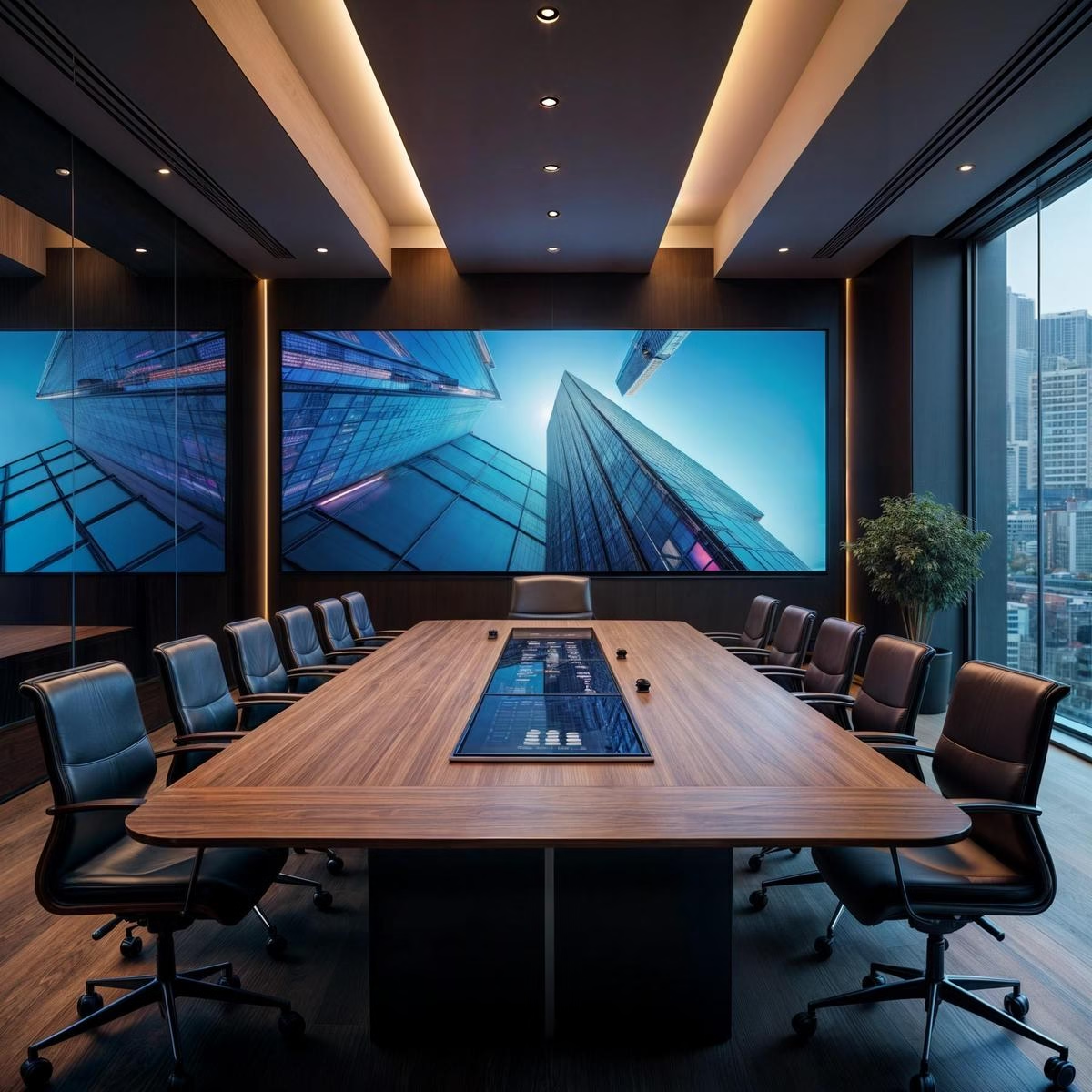
A ten-person huddle room and a three-hundred-person all-hands space aren’t scaled versions of the same system; they’re different projects. Size the system to the room first: a small office needs a simpler setup, while a larger or fast-growing company needs room to add displays and audio zones without redoing the wiring. Budget matters, but the cheapest option per room usually costs more once you add the second and third room, because nothing was designed to expand.
Custom design costs more at the outset. It also avoids the waste of buying gear that gets replaced in two years because it couldn’t grow with the business. Plan for the tech you’ll need in three years, not just the meeting you have next week.
What a Connected AV System Actually Includes
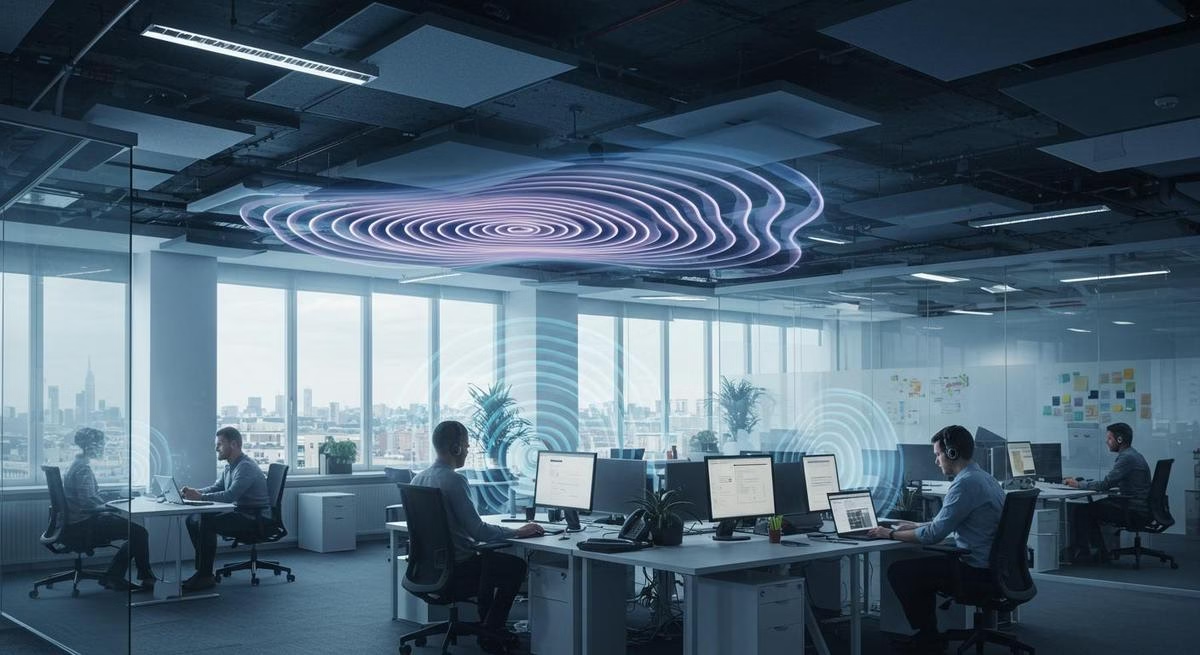
AV integration means your screens, microphones, and speakers work as one system instead of separate boxes with separate remotes. Centralized control puts that system on one interface, which matters once you’re managing more than a couple of rooms; adjusting each device individually doesn’t scale past a handful of spaces. Multi-room distribution carries audio and video across the building, useful for offices with multiple meeting areas or an open floor plan that needs consistent sound coverage.
For businesses running more than one location, networked AV keeps the setup consistent everywhere. A dropped connection or a mismatched display in one office shouldn’t be a different experience than the same meeting in another city.
Conference Room and Collaboration Tools
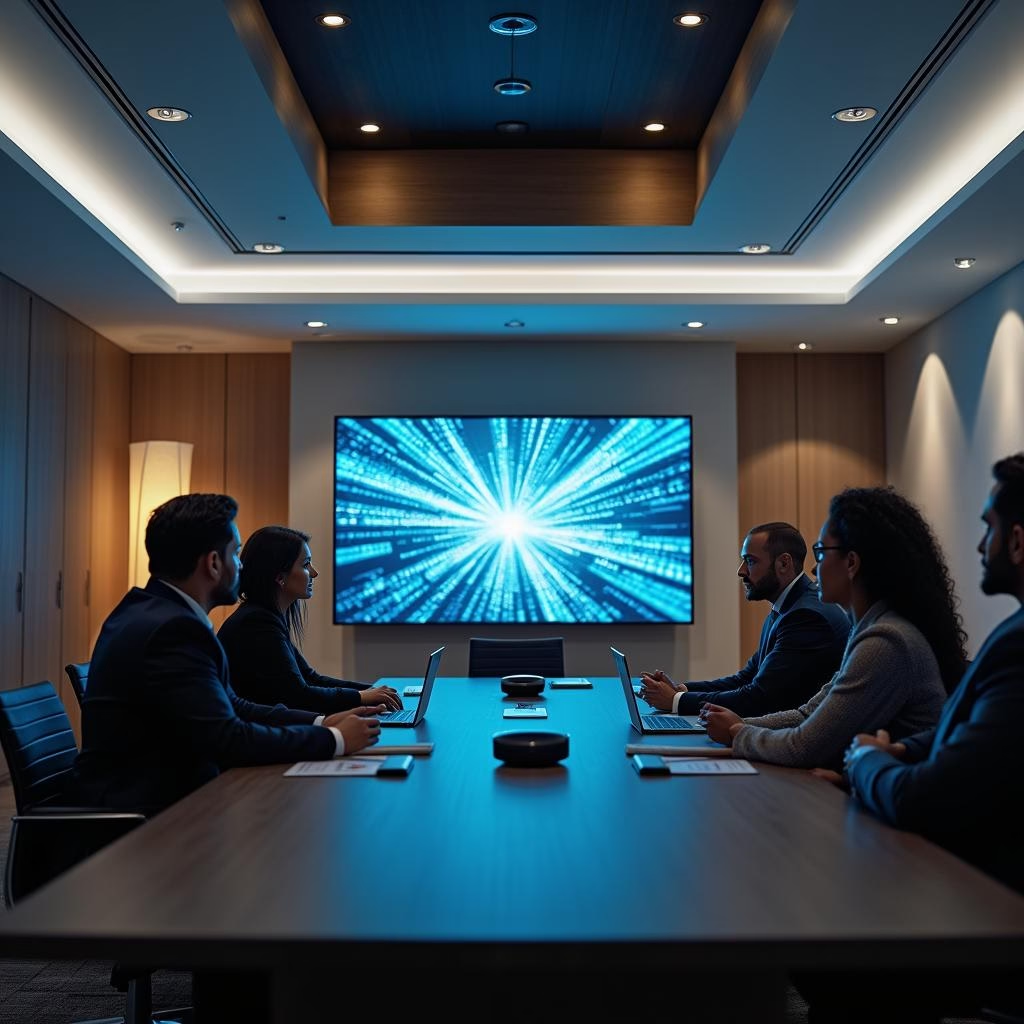
The tools that make meetings actually work: wireless presentation, so nobody’s hunting for the right cable; interactive displays, so a team can sketch and edit on the screen instead of just looking at it; and hybrid-meeting audio and video good enough that remote participants aren’t straining to follow along. None of these are optional add-ons anymore; a conference room without them is the room people avoid booking.
Digital Signage and Visual Displays
Signage extends an AV system past the meeting room. A lobby screen handles visitor welcomes and wayfinding. Larger installs, like enterprise signage across multiple locations, keep branding and messaging consistent without someone updating each screen by hand. High-resolution displays and video walls cost more but hold up better for anything customer-facing, where image quality is doing marketing work, not just conveying information. We cover this in more depth in our guide to commercial digital signage.
Keeping the System Running
Regular maintenance, cleaning connections, checking software, inspecting cables, catches small issues before they become an outage during a client meeting. As technology changes, retrofitting adds new capability to an existing system instead of ripping it out and starting over, which is almost always the more expensive path. A managed service plan for maintenance and troubleshooting is worth it once you have enough rooms that a dead mic shouldn’t mean a scramble to find someone who can fix it.
FAQ
How much does a commercial AV system cost?
It depends entirely on room count and complexity. A single small conference room runs a few thousand dollars; a full-building rollout with signage, multiple conference rooms, and centralized control runs well into six figures. See our conference room AV pricing guide for room-by-room numbers.
Should I buy AV equipment myself or hire an integrator?
For a single small room, a DIY setup can work if someone on staff has the time to research and troubleshoot it. Past two or three rooms, an integrator’s design work pays for itself in fewer wasted purchases and less downtime.
We design and install commercial AV systems and video conferencing setups built around how a business actually uses its rooms, not a generic spec sheet. If you’re planning a new build or a refresh, book a free consultation and we’ll start with a walkthrough of your space.