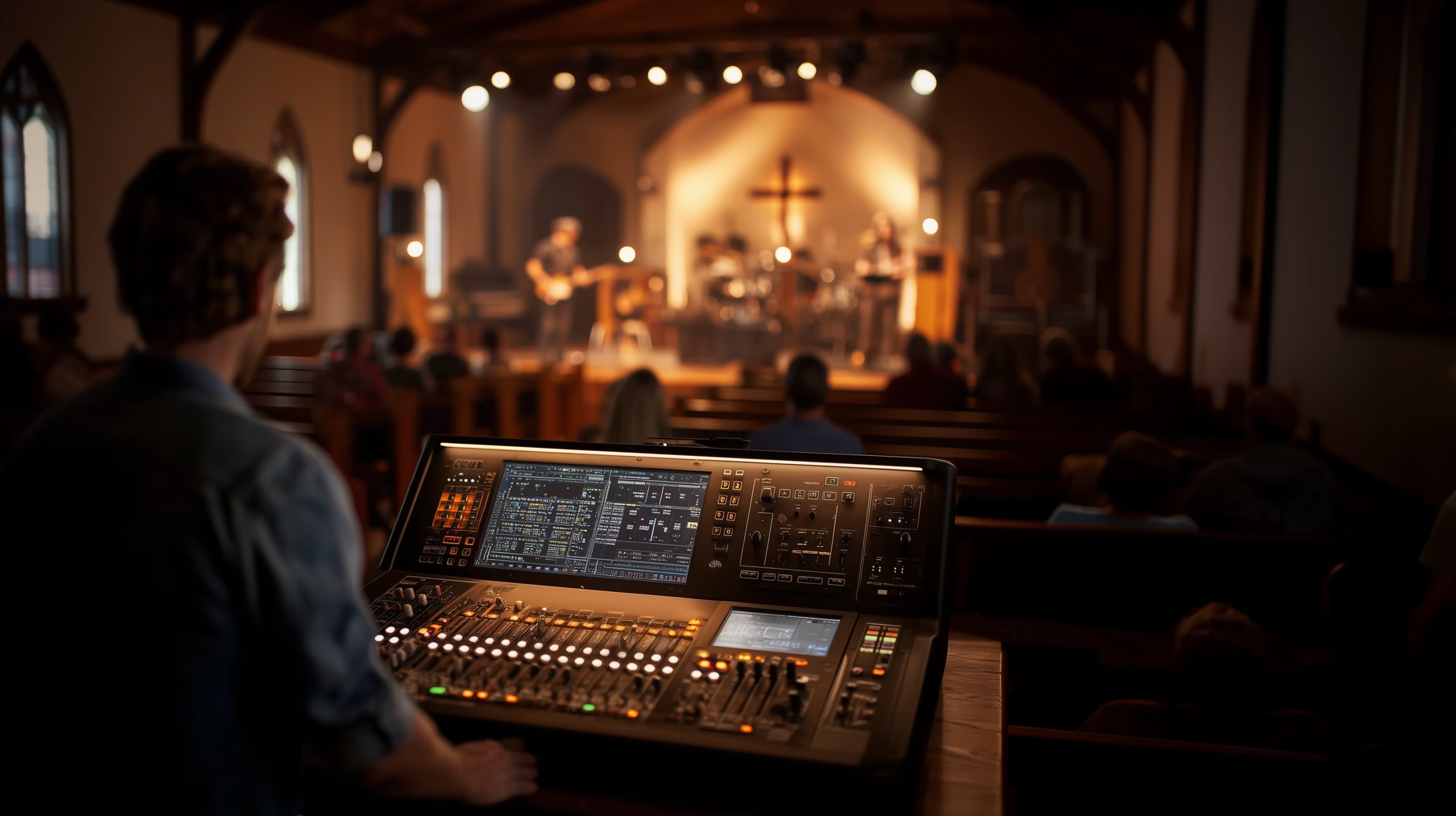
Church & Worship AV
Setting Up IEM Systems for Church: A Practical Guide
Key Takeaways
- Count your team and what each person needs to hear before buying anything; a drummer’s mix and a vocalist’s mix aren’t the same
- Wired IEM systems cost less and work well in small rooms; a full wired set can run under $400
- Wireless setups need four things: a stereo transmitter, bodypack receivers, earbuds, and a digital mixer with enough aux sends
- Give each performer their own bodypack; sharing one mix between players causes the exact confusion IEMs are supposed to fix
- Build stereo mixes, not mono: pan gently, keep vocals centered, and EQ each input before boosting anything
- Dropouts are almost always clean power, gear that needs tuning, or a broken line of sight, not bad luck
If your worship team still fights over floor wedge volume every rehearsal, in-ear monitors are the fix. Setting up IEM systems for a church isn’t complicated when you take it in order: count your team’s needs, choose wired or wireless, build the mix, then train the people who’ll run it. We’ve helped small churches make this switch without draining the sound budget or losing a Sunday to troubleshooting.
How Do You Get Started With IEMs at Your Church?
Start by counting your team, then figure out what each person actually needs to hear. A drummer usually needs more click and kick in their mix; a vocalist needs their own voice clear above everything else. One mix rarely works for both.
Wired systems cost less, and they hold up well in a small room with low ambient noise. If your board already has aux sends, mix from there; if it doesn’t, budget for that upgrade before you spend anything on earbuds. Behringer, Presonus, and LD Systems all make starter gear that holds up, and a full wired set with buds can run under $400.
Train your volunteers on the system before their first live mix, not during it. If they don’t trust the gear, they’ll pull an earbud out mid-song and go back to guessing. Keep the setup simple, and tape a one-page cheat sheet near the console; it saves more troubleshooting time than any manual.
What Equipment Do You Need for a Wireless IEM Setup?
A wireless setup needs four pieces: a stereo transmitter, bodypack receivers, earbuds, and a digital mixer with enough aux sends to build individual mixes.
The transmitter and mixer both need to match what your church already runs. If your board is digital, confirm it sends dedicated mix outs to the IEM system before you buy anything else. Give every musician their own bodypack; sharing one between two players is how mix requests turn into arguments mid-rehearsal.
Room size matters more than most churches expect. Long rooms and thick walls eat wireless signal fast, so stay well under the transmitter’s rated range and expect dead spots near metal structure or thick masonry. If your church already runs wireless mics and WiFi in the same space, plan frequency coordination up front, not after two systems clash on the same band mid-service.
How Do You Build a Clean, Balanced IEM Mix?
Mix for one person at a time, not the whole band at once. A singer who can’t hear themselves and a guitarist buried under drums need two different fixes, not one blended compromise.
Start with gain, not EQ. A mixer that’s clipping sounds bad no matter how it’s EQ’d downstream, so get inputs clean and strong before touching a single band. From there, EQ to clear clutter: roll off low-end rumble on vocals, cut muddy mids on guitars, and pull back harsh highs on cymbals. Clean first, boost second.
Go stereo wherever the mixer allows it. A hard-panned mix feels flat; a gently panned one gives a vocalist room to place their own voice without everything else crowding it. One or two ambient mics, panned left and right, let the band hear the room and stay with the congregation instead of playing inside a sealed bubble.
If you run out of aux sends, group similar instruments into shared mixes, drums together, keys together, rather than giving every input its own channel. It’s not a perfect solution, but it works. We’ve built dedicated leader-only mixes for worship leaders who need just their own voice and a click, stripped of everything else in the room.
How Do You Choose IEMs and Accessories for Your Team?
Custom-molded earbuds beat universal ones for anyone playing weekly; the seal holds, so a musician isn’t reseating a loose bud mid-song. Drummers do better with earbuds that carry real low-end; vocalists usually want more clarity in the high-mid range. Buds that don’t match a musician’s role tend to get blamed for a mix problem that’s actually a fit problem.
A fit that’s too tight causes real pain, and pain leads to what techs call “IEM face,” the flinch you see from a musician wearing gear that hurts. Keep wipes and spare buds on hand for anyone sharing gear or playing in a hot room. Watch for ringing or ear fatigue after a service; that’s a sign the mix or the overall volume needs to come down, not a sign to push through it. Cheap sets wear out fast and usually sound dull well before they fail outright, so they’re rarely the bargain they look like on the shelf.
What Causes IEM Dropouts, and How Do You Fix Them?
Dropouts are the most common complaint with wireless IEMs, and they almost always trace back to one of three things: dirty power, gear that’s out of tune, or a broken line of sight between transmitter and receiver.
Clean, dedicated power for wireless gear rules out the hum and static that a shared circuit with lighting dimmers can introduce. Frequency coordination between IEMs, wireless mics, and any other RF in the building keeps systems from fighting over the same band the moment both go live. And a bodypack that loses line of sight to the transmitter, behind a metal rack, around a corner, through thick masonry, will cut out no matter how clean the signal is otherwise. Fix the physical path first; most dropout complaints stop there.
Making the Switch
Switching to IEMs won’t fix every sound problem in your room, but it removes one of the biggest sources of stage volume and feedback fights. Plan the mix count, pick wired or wireless based on your room and budget, and train your team before the first live Sunday; the transition goes smoothly from there.
If your team is also fighting floor wedges and stage volume wars, see how wedges compare to IEMs for worship monitoring. For a broader look at what a church sound system needs beyond monitoring, see our audio design work or how we approach worship AV generally. If you want help planning a system for your room, book a free consultation.